Skip to content
Contact support
Log in
Help center
Search
Learnright - Help Centre
»
Branding
»
How To Setup Login Screen
How To Setup Login Screen
Step 1: Setup Login Screen
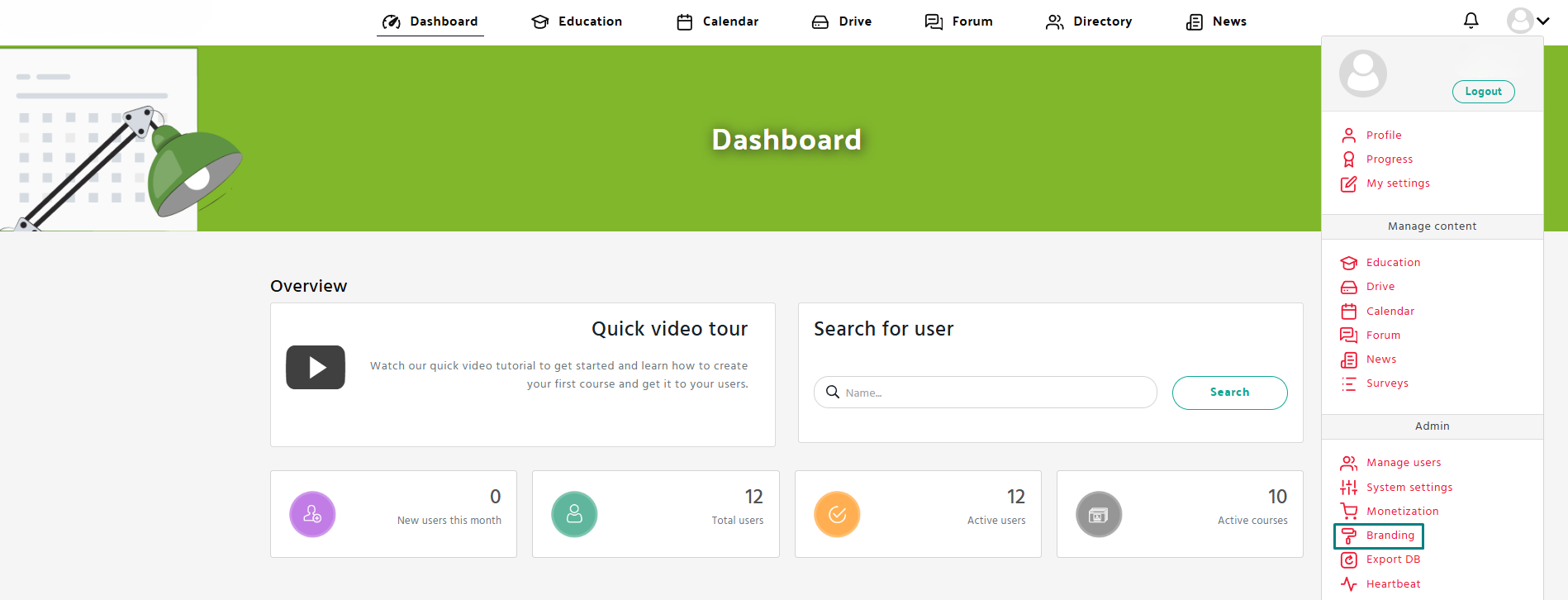
Navigate to the
Branding
tab in the
Admin
panel.
Make sure you’re on the
“Assets”
tab.
Scroll down to
Login Backgrounds
section
Click the
Replace
button under each screen category and upload images.
How To Setup Logo
How To Setup Login Screen
How To Setup Color Palette
How To Setup Banners
Scroll to Top
Sign in to your portal
Portal name
.learnright.com
Continue